

Quick Tips
- Using emoji sets allows you to use the same types of emojis across platforms.
- While iPhones don't offer emoji sets, you can use a variety of stickers instead.
- Telegram Premium and Telegram X users can add even more emoji sets.
Change Telegram emoji set using your desktop
Step 1: Open Telegram > Top left Hamburger menu Click > "Chat settings" Click here.

Step 2: Scroll down "Select emoji set" Click here.

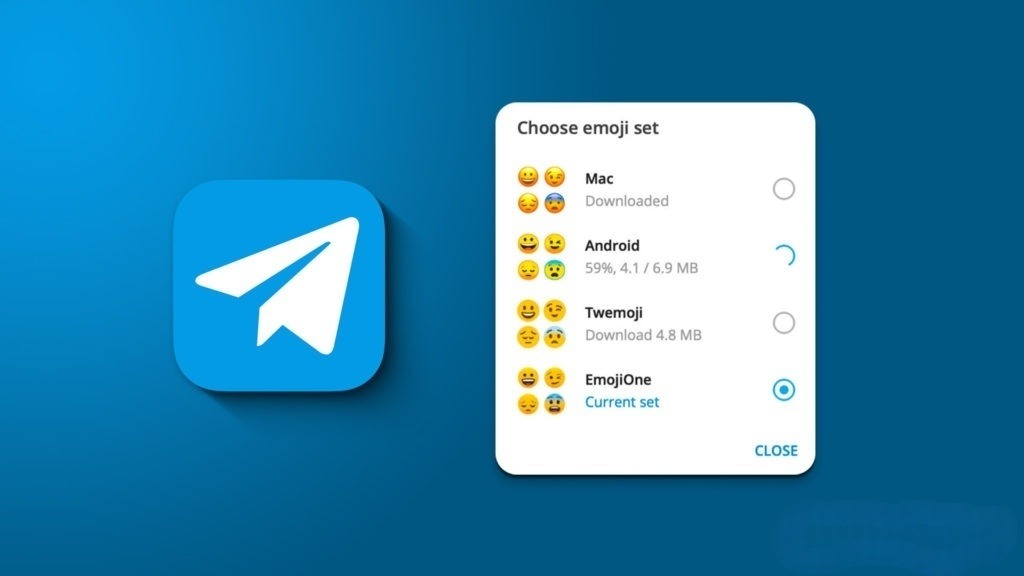
Step 3: In the pop-up window, Mac、Android、Twemoji、JoyPixels You can choose from the following. Select the one you need, and you'll have access to the new set next time.

Change the emoji set in Telegram on your Android device.
You cannot change the emoji set on Telegram Mobile, but if you are a premium Telegram user, you can unlock and install the trending emoji set. However, custom emojis are not supported on iPhones, so only stickers are available. The following are the instructions for Android.
Step 1: Open Telegram > Hamburger menu Tap > "setting" > "Chat settings" We will move to this location.

Step 2: Scroll "Stickers and emojis" Find and open > Emoji Tap it.

Step 3: Here is a list of some emojis. "See more emojis" Tap the link to find more emojis. "Unlock" or "download" Tap to install the new set.

Get emoji sets on Telegram X
Telegram X is a limited version of Telegram. However, all of these premium emoji sets are offered for free, and several more default emoji sets are also available, including those from Twitter, Microsoft, and Samsung. The steps to access them remain the same.





