


Have you ever wondered how content creators record videos reacting to memes and other videos on Snapchat? Creators use the Remix feature, which allows them to record videos and reactions to original videos posted on Snapchat. This guide will show you how to remix Snaps on Snapchat, similar to TikTok's Duets.
What are the various remix layouts on Snapchat?
Snapchat offers five remix styles to choose from. Some of these are very well-known, and you may have seen them while scrolling through your Snapchat timeline.
- Facial insertion In this layout, the eyes and mouth are overlaid on top of the original snap, allowing you to record the reaction.
- clipping In cutout mode, your entire face is recorded over the original snapshot. This is very similar to the background in Zoom or Teams meetings.
- A picture within a picture This layout primarily represents the video call interface, where your face is displayed in a small window in the lower right corner of the screen.
- level : You can record your reactions to snaps horizontally using a split-screen interface.
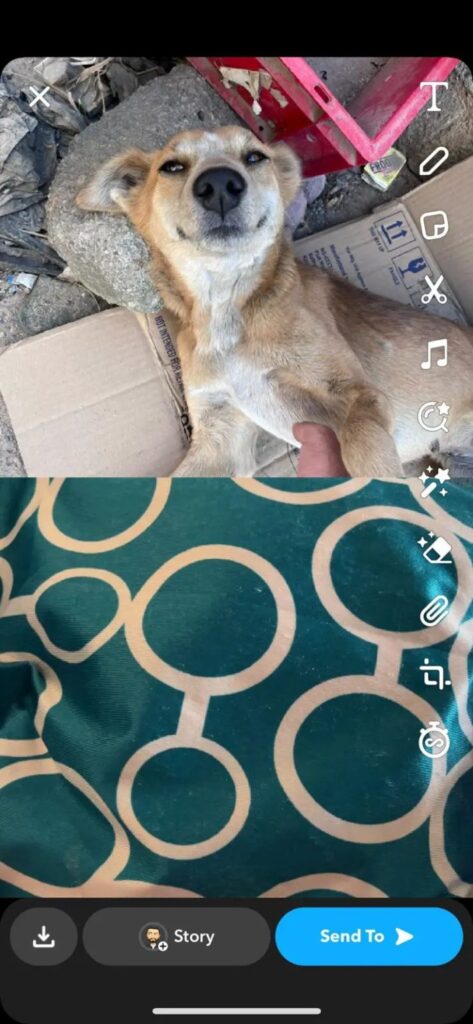
- vertical Similar to the horizontal layout, this split-screen layout displays the original snap at the top and the recorded reaction at the bottom.
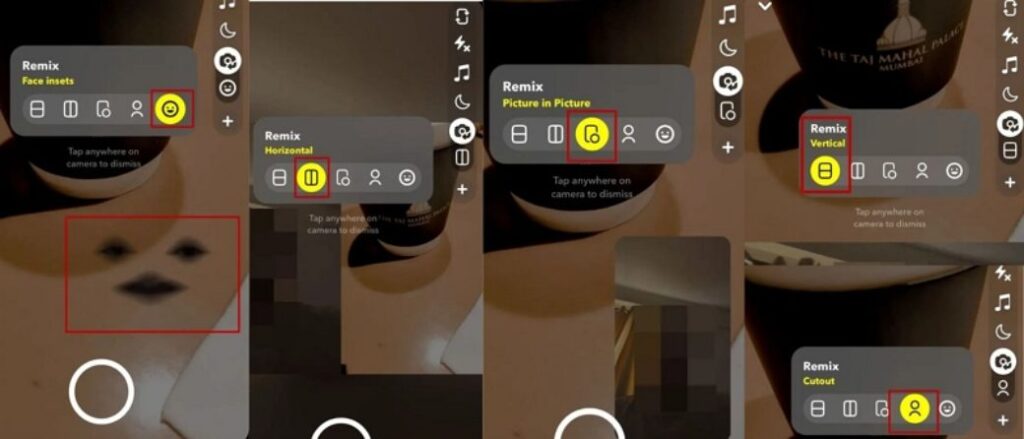
Snapchat Remix lets you have fun and be creative at the same time. It's a great feature for content creators, allowing you to quickly create reaction videos without having to use a PC or figure out how to download the original video.
How to remix snaps you receive from friends
1. Open Snapchat.
2. Swipe left to go to the message screen.
3. Tap your friend's name to view their snaps.
4. Tap and hold to expand the options menu.
"Remix"
Tap it.
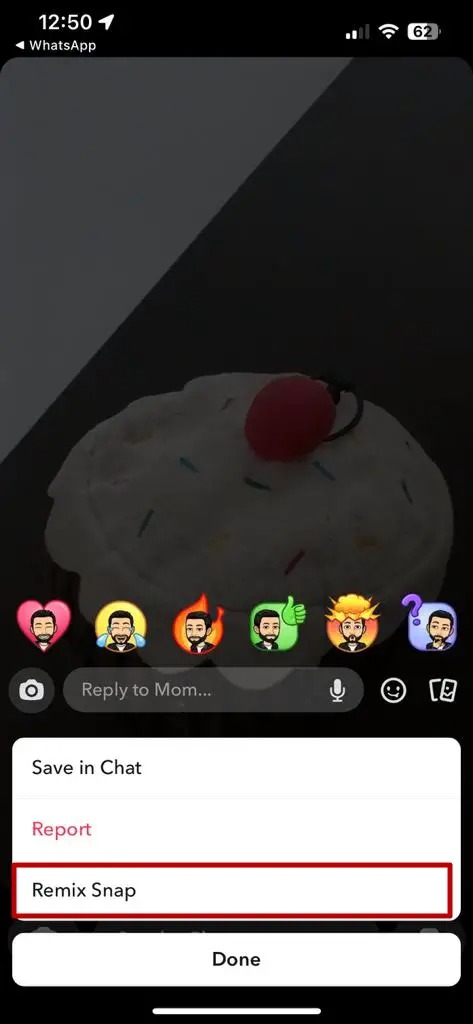
5. Select a video remix layout as described above.
6. Tap and hold the recording icon to record a Remix Snap.
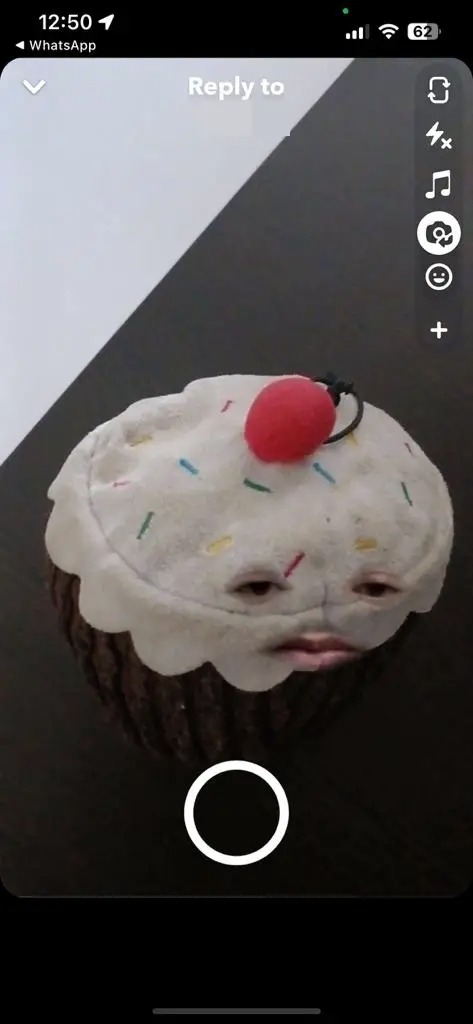
To make it even more fun, you can also add sarcastic background music to your recorded Snapchat videos.
How to remix snapshots from your camera roll
1. Open Snapchat and go to the main screen. Swipe up Then, display the camera roll screen.
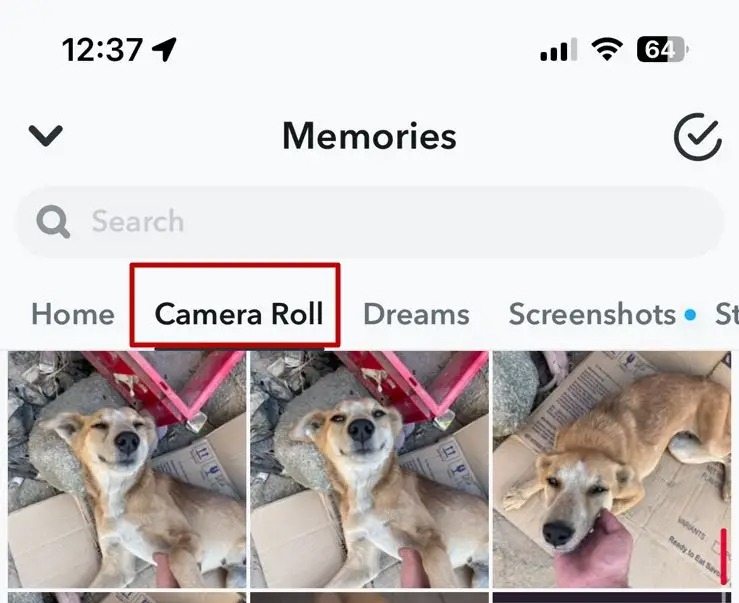
2. Tap the photo or video you want to remix.
3. Next, tap and hold anywhere on the photo or video to display the options menu.
4.
"Remixing snapshots"
Tap it.

5. Now you can select your desired layout and record your reaction to it.
How to remix snapshots from memories
1. Swipe up from the main screen to go to the Memories section. Here you can select the photos/videos you want to remix.
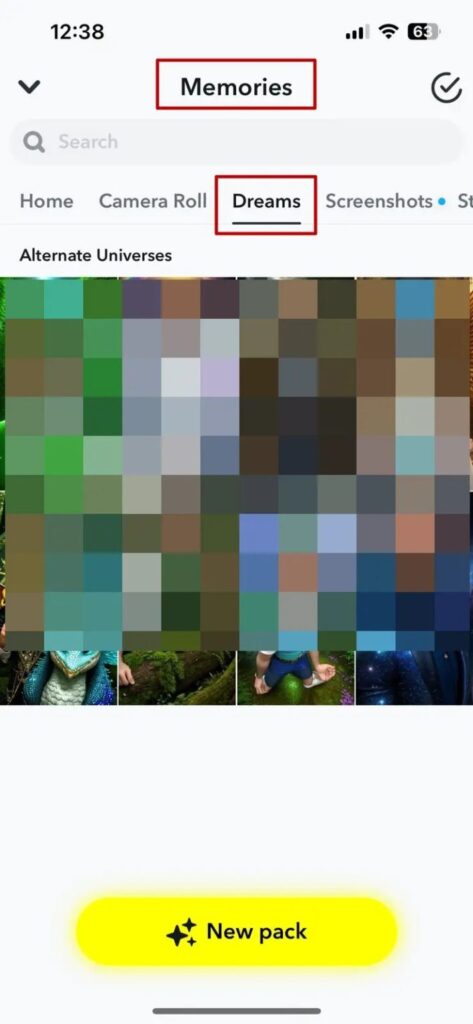
2. Tap and hold anywhere on the photo/video, then select the menu.
"Remixing snapshots"
Select one.
3. Select a layout and record your response to the snap.
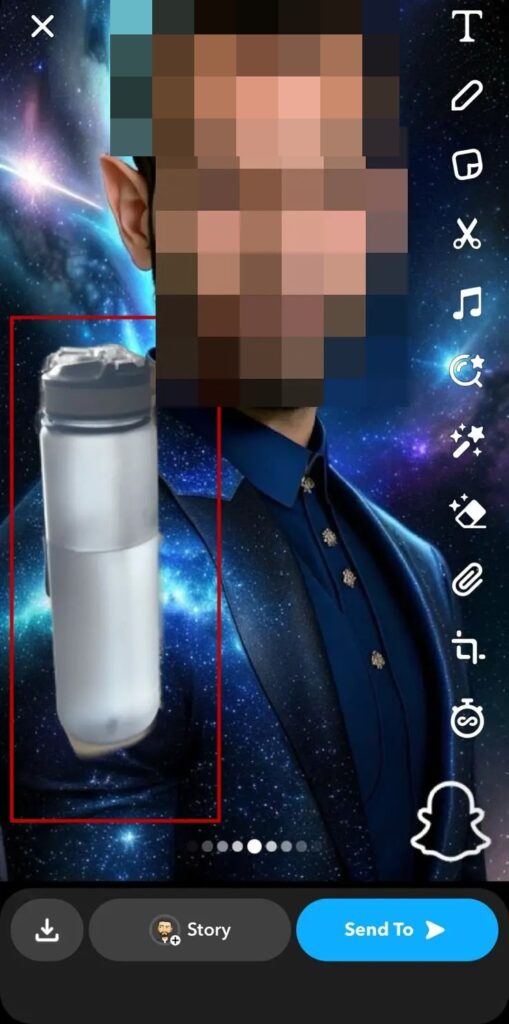
How to remix Snaps from Chat
1. Open Snapchat.
2. Swipe left
Message screen
We will move to this location.
3. Tap your friend's name to view messages from them.
4. Once you find a snap you want to remix,
Tap and hold
Then, expand the options menu.
5.
"Remix"
Tap it.
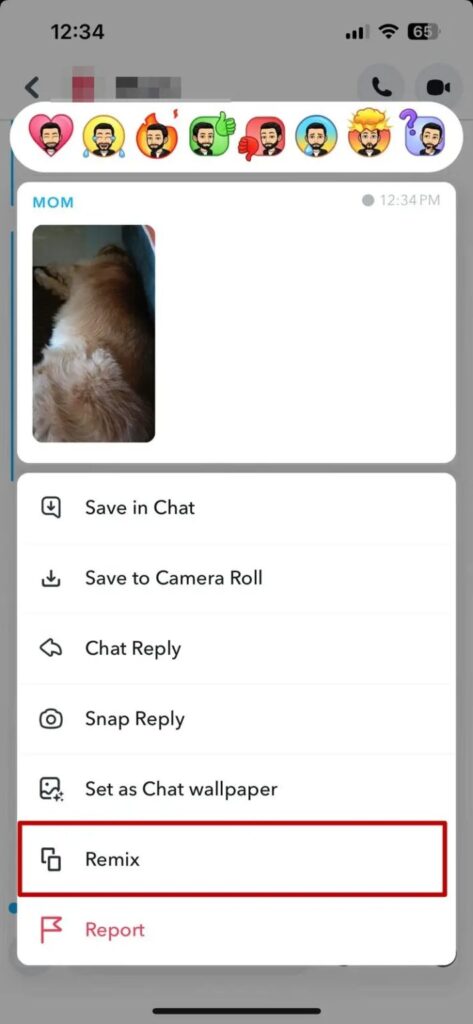
6. Select your desired layout.
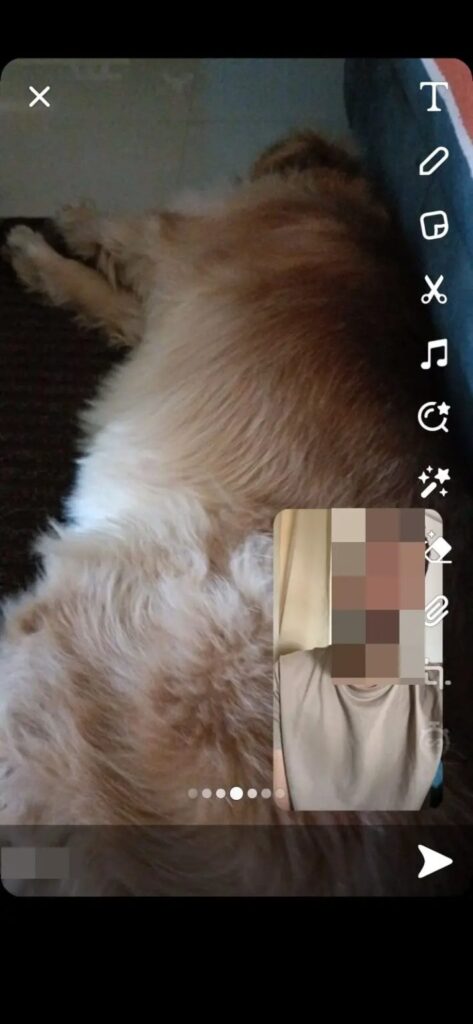
7. Finally, tap and hold the record icon to record the remix snap.
In addition to these, you can also create remixes from Spotlight videos.
Stylish remix of street style photos
Snapchat is a hugely popular application for sharing everyday life. However, it has evolved from simply sending snaps to maintain a posting streak and using various filters to a platform where users can create content using templates and formats that were previously only available to professionals.
FAQ
Q: Can I edit Snap Stories?
A: Unfortunately, you cannot edit a Snap Story that you have already posted to Snapchat. However, you can save the story to your camera roll, edit it, and then repost it.
Q: Can I save snaps that I've remixed from a chat?
A: You can't save snaps remixed from a chat, but you can take screenshots before sending them to your friends. Your friends will be notified that you've taken a screenshot.