


Snapchat is ideal for temporary, private, one-on-one conversations. Unlike other social media platforms, snaps you share with others can only be viewed once and are then inaccessible. But what if you want to view old snaps after they've expired? Is it even possible to view them at all? There are several ways to circumvent this problem. Follow this guide to learn how to view old snaps on Snapchat.
Can I view old snaps on Snapchat?
On Snapchat, a regular account can only view a snap once. Snapchat+ allows you to view a snap twice. However, if you leave the chat screen before viewing a snap, you cannot view it again.
Furthermore, if a snap is deleted by the sender and not saved, you can no longer view it. Additionally, snaps are deleted every 24 hours and cannot be viewed after that.
Therefore, technically, if you have already seen the snap, you cannot see it again.
How to save snapshots to view later
If you want to view old snaps again and again, use Snapchat's "Save to Chat" feature. The biggest advantage of saving snaps is that you can view them any number of times. You can still view them even if the sender deletes the snap. However, the sender will know that you have saved the snap and are viewing it in the chat.
1. Open the conversation in Snapchat and scroll down to the snap you want to see.
2. Press and hold the snap button,
"Save to chat"
Select an option.
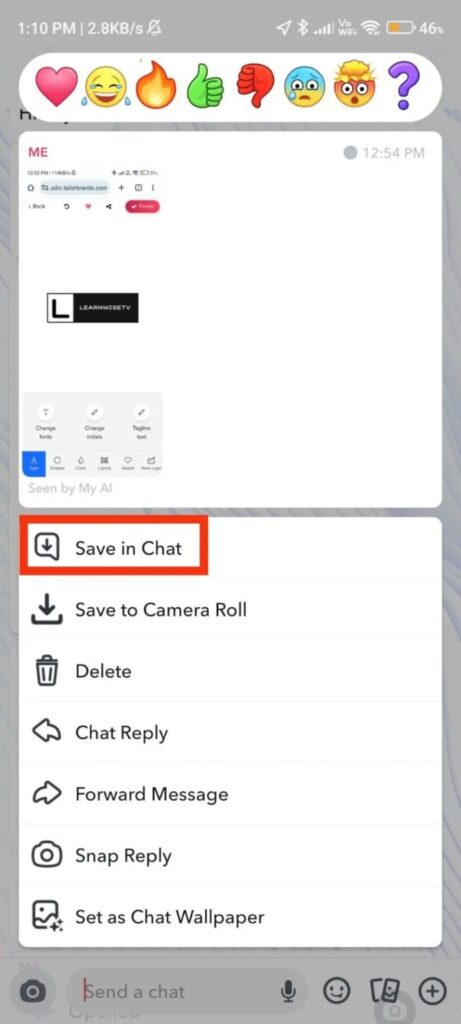
3. The selected snaps will be saved to Chat Media.
Please note that deleting all saved messages in Snapchat will also delete all saved media.
Workarounds for viewing old snapshots
Here are a few workarounds for viewing old snaps without saving them. However, you need to do this as soon as you open the snap.
Save to camera roll
Saving old snapshots to your phone's camera roll allows you to view them anytime. However, the sender will be notified that you have saved the snapshot. One advantage of this method is that even if the sender deletes the snapshot, you can still view it from your phone's gallery.
1. Open the chat and go to the old snap.
2. Press and hold the snap button,
"Save to camera roll"
Select an option.
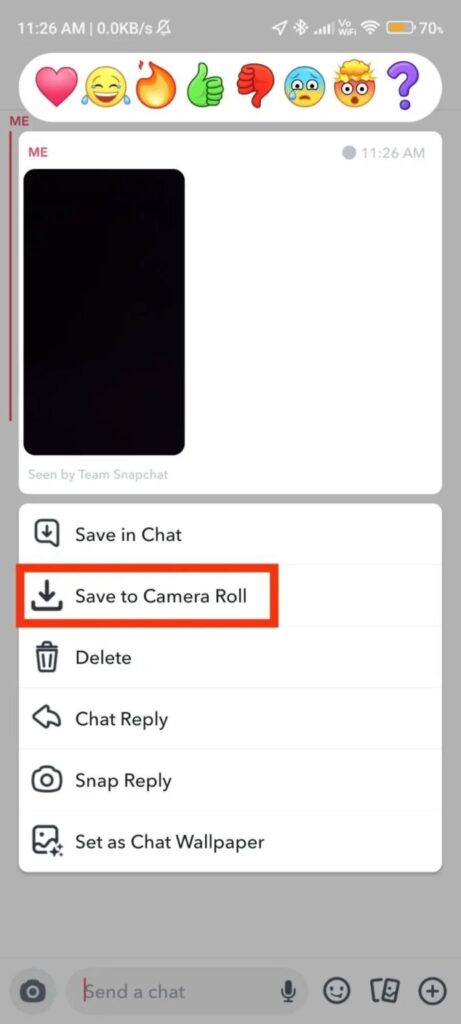
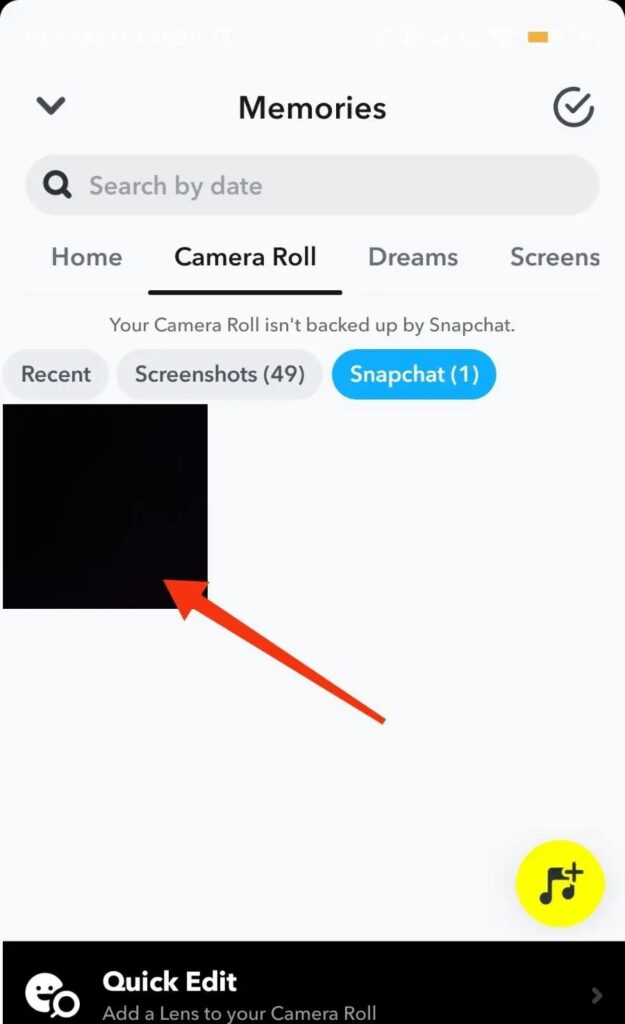
3. The selected snapshots will be saved to your device's camera roll. "memory" You can view it from the section.
Take a screenshot
If you think you might need a particular snap in the future, take a screenshot. The downside to this method is that the sender of the snap will be notified that you have taken a screenshot. There are ways to take screenshots on Snapchat without anyone knowing.
1. Open a Snapchat conversation and go to your old snaps.
2. Take a screenshot.

3. Now you can view your old snapshots in your camera roll or the "Memories" section of the app.
Just like saving to your camera roll, you can view the snapshot multiple times.
It's not easy to find old snaps on Snapchat.
Restoring old snapshots is not just a technical trick; it's a dance with memories. However, this convenience has two sides. Looking back on a moment brings joy, but it also raises privacy concerns. Saved snapshots are silent storytellers of our digital lives. By preserving moments, do we strengthen our connection to the present, or do we change it?
FAQ
Q. Does Snapchat delete old photos that I've saved?
A. No. Snapchat backs up your "Memories" on its servers. Your saved snaps and stories are stored in "Memories," so you can view them anytime. However, if you delete a snap from "Memories," Snapchat deletes that snap from its servers, and it cannot be recovered.
Q. How do I restore an old Snapchat account?
A. Unfortunately, unless you save the chat to your inbox or save the snap to your memories, you cannot retrieve old snaps or chat messages from Snapchat.