
Want to clean up your Instagram followers? Are they confusing? Let's get it sorted out! Have you ever found a bunch of unfamiliar accounts on Instagram? If your profile is public, anyone can follow you without permission, so your list of people you follow might show a bunch of unfamiliar faces.
This guide will show you several ways to remove unwanted people from your Instagram follower list. Avoid seeing a bunch of unfamiliar faces following you.
If your Instagram profile is set to public, anyone can follow you without sending a follow request. Because of this, you might see many accounts you don't know following you. To prevent this, set your Instagram account to private.
Can I delete all my Instagram followers at once?
No. Instagram does not have a feature to delete or unfollow all your followers at once. If you want to start fresh, you can delete your account and create a new one.
How to remove Instagram accounts you don't follow from your follower list
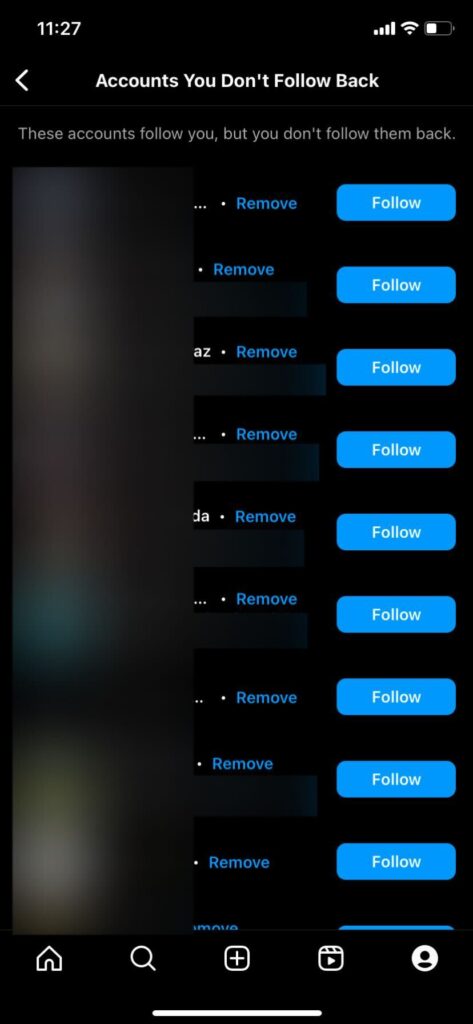
Here's how to remove accounts you don't follow from your Instagram follower list. First, open the Instagram app and go to the Profile section. Next, tap the Followers option. From the categories, select "Accounts you don't follow." Press the Delete button next to the profile you want to remove. Finally, tap the red Delete button to confirm the removal. This is the easiest way to identify accounts on Instagram that are following you but you don't follow back, and remove them from your follower list.
How to remove Instagram accounts you don't follow from your follower list
Instagram makes it easy to identify people you don't follow using its native category options. This feature lets you find accounts you don't follow and remove them from your follower list.
Here's how to find accounts on Instagram that follow you but don't follow you back:
1. By mobile phone
Instagram app
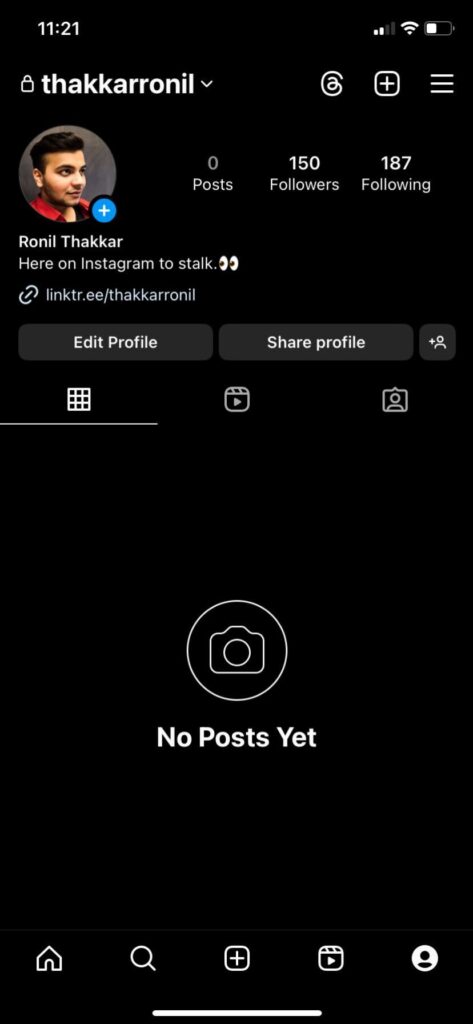
Open it and go to the profile section.
2、
"Followers"
Tap the option.
3、 [category] in [Accounts that do not follow back] Select an option.
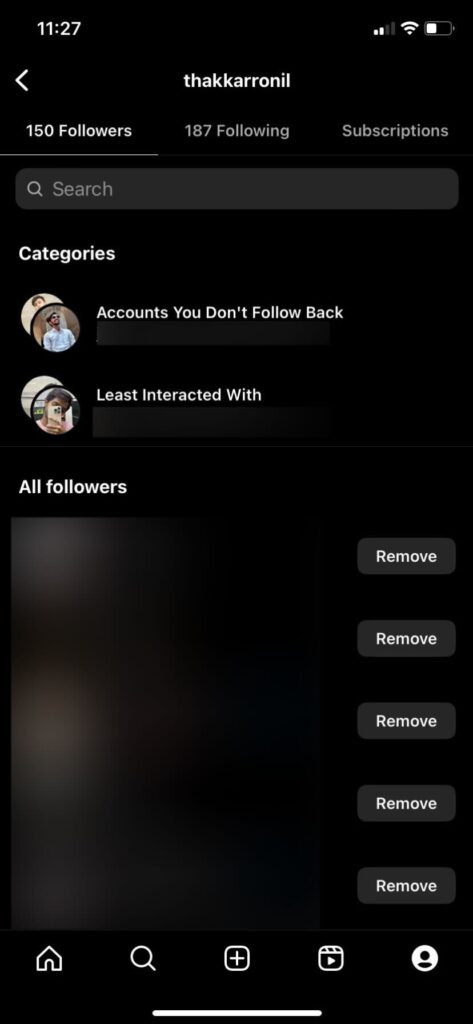
4. Next to the profile of the person you want to remove from your follower list [delete] Press the button.
5. Red [delete] Press the button to confirm your selection.
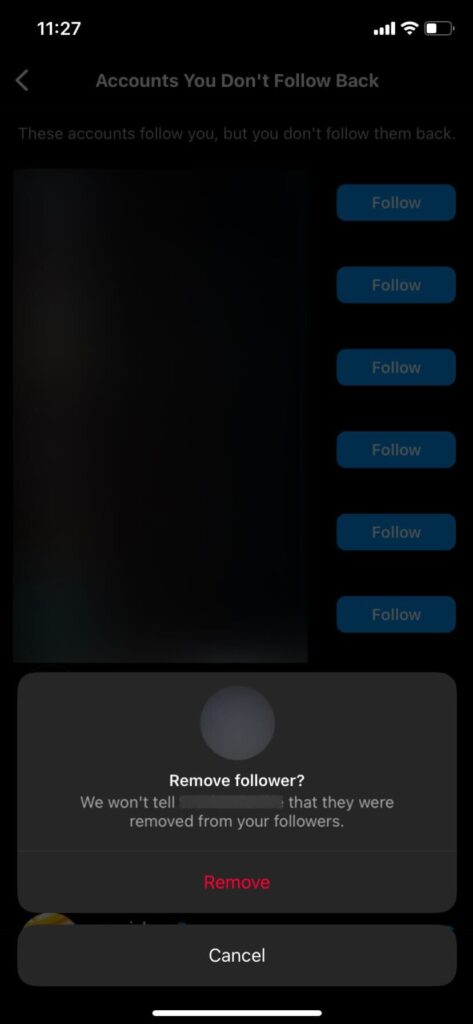
This method is the easiest way to identify unknown accounts following you on Instagram and remove them from your follower list.
If you don't want to go through all this hassle, consider hiding your followers and following list on Instagram.
How to remove your least interacting Instagram followers
Similarly, on Instagram, you can view a list of the people you interact with the least and remove them from your follower list.
1. By mobile phone
Instagram app
Open it,
profile
Proceed to the next section.
2、
"Followers"
Tap it.
3、 [category] in [The person you interact with the least] Select an option.
4. Next to the profile of the person you want to remove from your follower list [delete] Press the button.
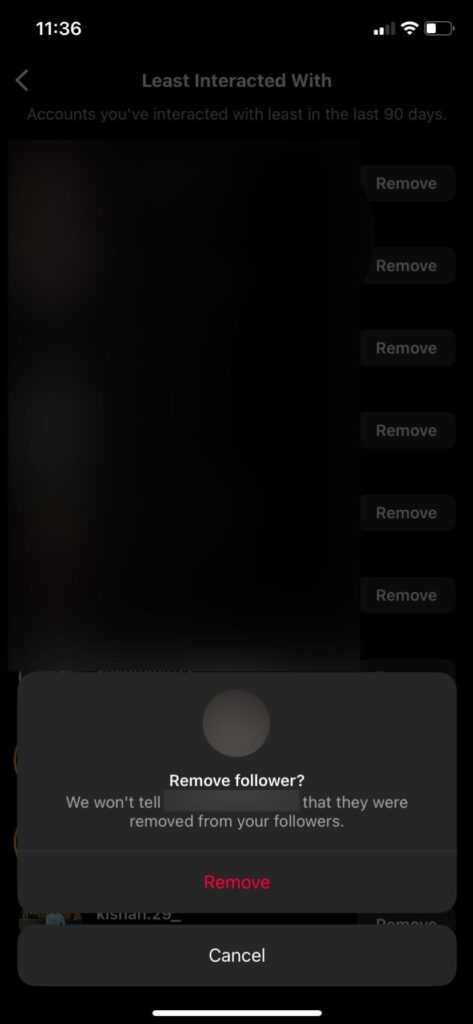
5. Red [delete] Press the button to confirm your selection.
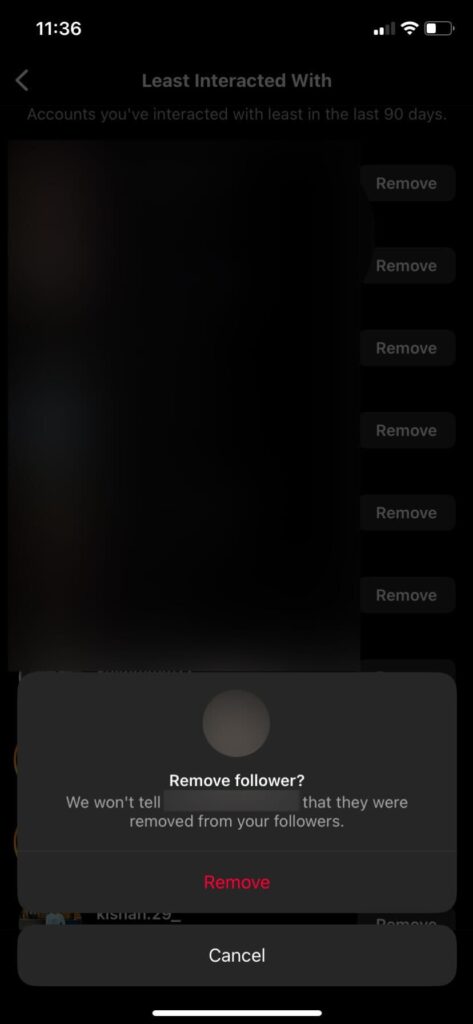
That's it. These were all official and possible ways to remove unwanted people from your Instagram follower list.
These categories may not appear when you need them, and it may take multiple attempts to finally display them.
Why you should avoid using third-party apps to remove Instagram followers
There is no official way to remove multiple accounts from your Instagram follower list. Many third-party apps and websites claim to remove accounts from your Instagram follower list.
However, before using these apps or services, Instagram has strict policies regarding privacy and terms of service. Using these third-party apps or tools violates Instagram's guidelines. If the platform detects the use of these services, it may permanently delete your account.
Furthermore, using these services requires logging into your Instagram account. This means they can access your account without your consent. One member of TechJunkie lost their account after using such a service.
It is recommended to avoid using third-party apps to remove Instagram followers.
Delete unwanted Instagram followers
Want to delete your Instagram followers? If you want to make a fresh start without deleting your account, don't worry! Until Instagram's magical bulk delete feature arrives, there are ways to reactivate your account without sacrificing everything.
If you found this article helpful, you might also want to check out our guide on how to manage Instagram notifications.
FAQ
Q. How can I prevent someone from following me on Instagram?
A. If you don't want a specific person to follow you on Instagram, you can block them or make your account private. After making your account private, do not accept follow requests.
Q. If I delete my followers on Instagram, will they still send me messages?
A. Yes. Removing followers on Instagram does not affect DMs. People can still send you messages even if they are not following you. However, Instagram places them in the message requests section.